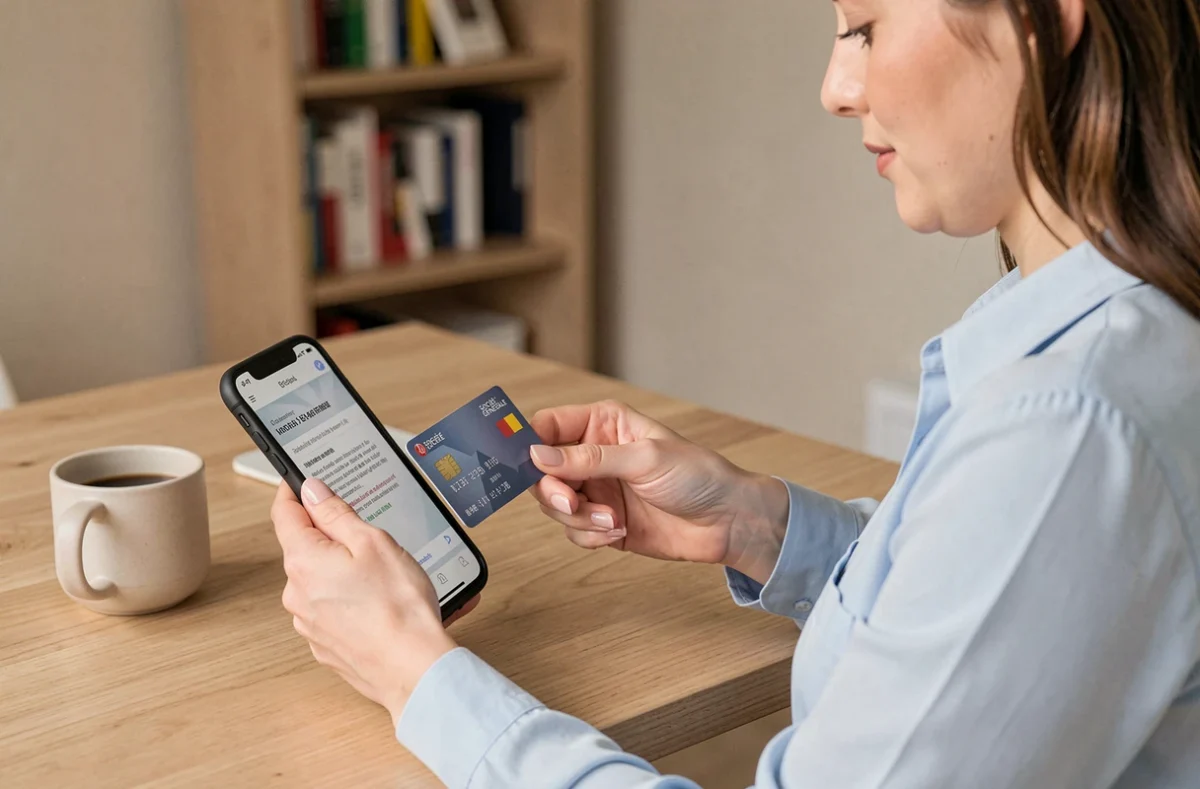
Receiving a Société Générale bank card does not mean you can use it straight away. Between receiving the envelope and making your first successful payment, one technical step determines everything else: card enrollment, meaning the card’s actual activation in the banking system. If this process is not completed, your first payment will fail, and it can be difficult to tell whether the problem is due to incomplete activation, a security block or a hardware fault.
First payment declined on a new SG card: diagnose the issue first
A failed first payment does not necessarily mean the card is faulty. Several different causes can produce the same symptom (a declined transaction), but each calls for a very different response.
Contactless payments will not work until you have made a first transaction using your PIN. This is a common source of confusion: trying a contactless payment to test a new card proves nothing. You must first insert the card into a terminal and enter your PIN, either to withdraw cash or make a payment.
If this first PIN transaction also fails, there are three possible causes:
- Enrollment was not completed in your online banking account or using the activation code sent in a separate letter. The card exists physically but is still inactive on the bank’s server.
- A security block has been triggered, for example after several incorrect PIN attempts or because an issue was detected when the envelope was delivered (damaged envelope, unusual delay).
- The chip or magnetic stripe is faulty. In this case, the terminal will usually display a reading error rather than decline the transaction.
Before contacting your branch, check whether the card appears as active in your online banking account to save time. A complete guide to Société Générale card enrollment explains each step of the activation process and the common errors that can occur at each stage.
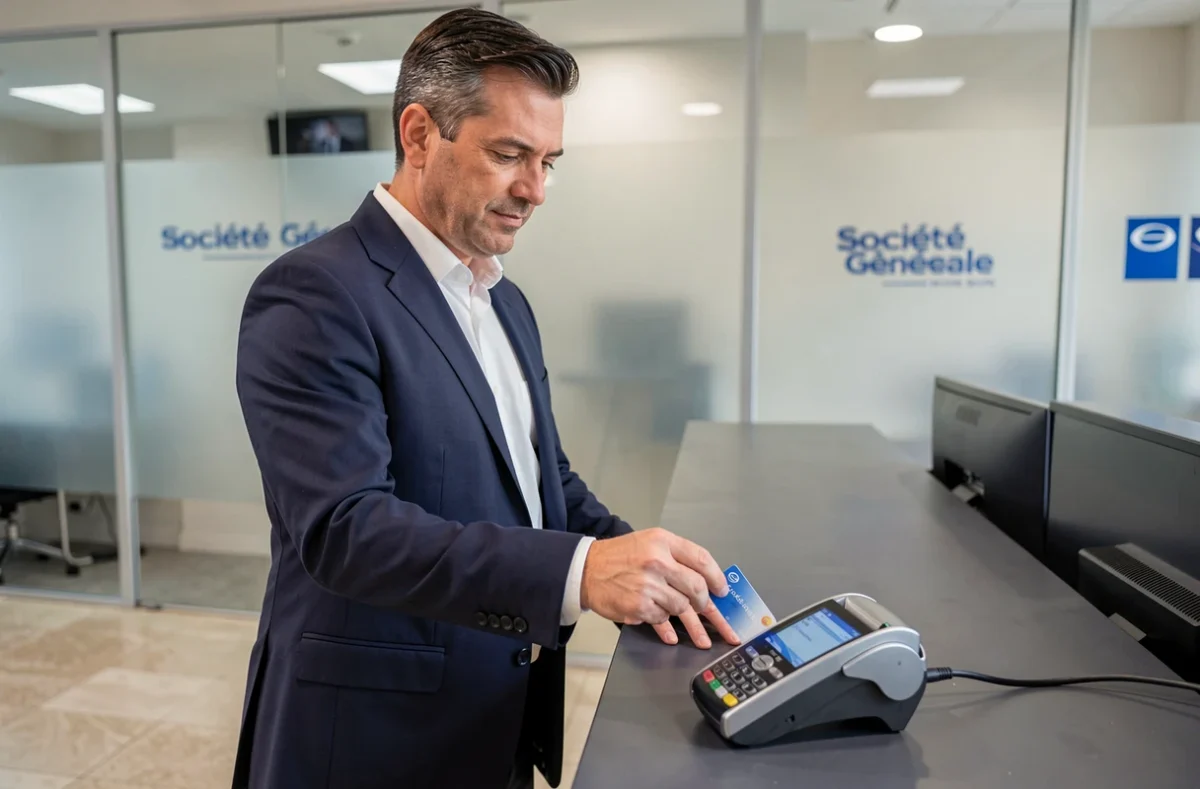
Activating an SG bank card: the steps to follow online and at a branch
Activating a Société Générale card involves following a specific sequence. The order matters, and skipping a step can prevent the entire process from being completed.
Check the envelope when it arrives
Before doing anything, check that the envelope is intact and that the name printed on the card matches the account holder’s name. If the envelope is damaged or the card bears the wrong name, contact the bank before attempting to activate it. Trying to activate a card whose envelope has been tampered with may trigger a permanent block.
Enter the activation code
Your PIN arrives in a separate letter, often a few days after the card itself. It is not available in your online banking account. You must enter it the first time you use the card by inserting it into a terminal (to pay at a store or withdraw cash from an ATM).
The PIN and card are deliberately sent separately for security reasons. You cannot activate the card before receiving your PIN.
Confirm activation in your online banking account
Depending on the card type and your agreement, you may need to confirm activation in your SG online banking account. This usually involves confirming receipt of the card and setting your payment and cash withdrawal limits. You can also enable or disable contactless payments at this stage.
SG replacement cards: how they differ from a first card
A replacement card (issued after a card is lost, stolen, expired or faulty) does not automatically retain the settings of the previous card. This often leads to activation errors.
| Setting | First card | Replacement card |
|---|---|---|
| Card number | New | May differ depending on the reason for replacement |
| PIN | Sent in a separate letter | A new PIN may be issued, depending on the reason for replacement |
| Payment limits | Set when you open the account | Reset to the default values |
| Contactless payments | Disabled until the first card insertion | Disabled until the first card insertion |
| Recurring payments | Work as soon as the card is activated | Must be updated with each merchant |
Recurring payments (subscriptions and card-based direct debits) must be updated manually with the new replacement card details. A changed card number or expiry date is enough to cause an automatic payment to fail with a third-party provider.
How long it takes to receive a replacement card depends on whether you request it at a branch or online, and on the reason (card blocked after theft, standard renewal or faulty card). The instructions included with the new card will specify whether your PIN has changed.

Security block or incomplete activation: how to tell the difference
It is not always easy to distinguish between these two situations in your online banking account. A few clues can help you identify the issue.
If activation is incomplete, the card will not appear in the list of active payment methods in your online account. It may appear with a status of “pending” or may not appear at all. In this case, restarting the enrollment process from the beginning will usually resolve the issue.
A security block, on the other hand, means the card is visible in your online account but marked as restricted. Common causes include entering the wrong PIN three times, attempting to use the card abroad without notifying the bank, or a transaction flagged as unusual by the fraud detection system. To remove the block, call customer service or visit a branch with proof of identity.
A hardware fault can be distinguished from the two situations above by how the terminal behaves: a chip reading error, difficulty inserting the card correctly or an unrecognized magnetic stripe. No software-based troubleshooting can fix this type of problem. A hardware fault can only be resolved by physically replacing the card.
The most reliable approach is to test the card by inserting it and entering your PIN at an ATM before trying to pay at a store. ATMs provide more explicit error messages than payment terminals, helping you identify the cause from the very first attempt.